
The math solver app that scans, explains and makes you practice
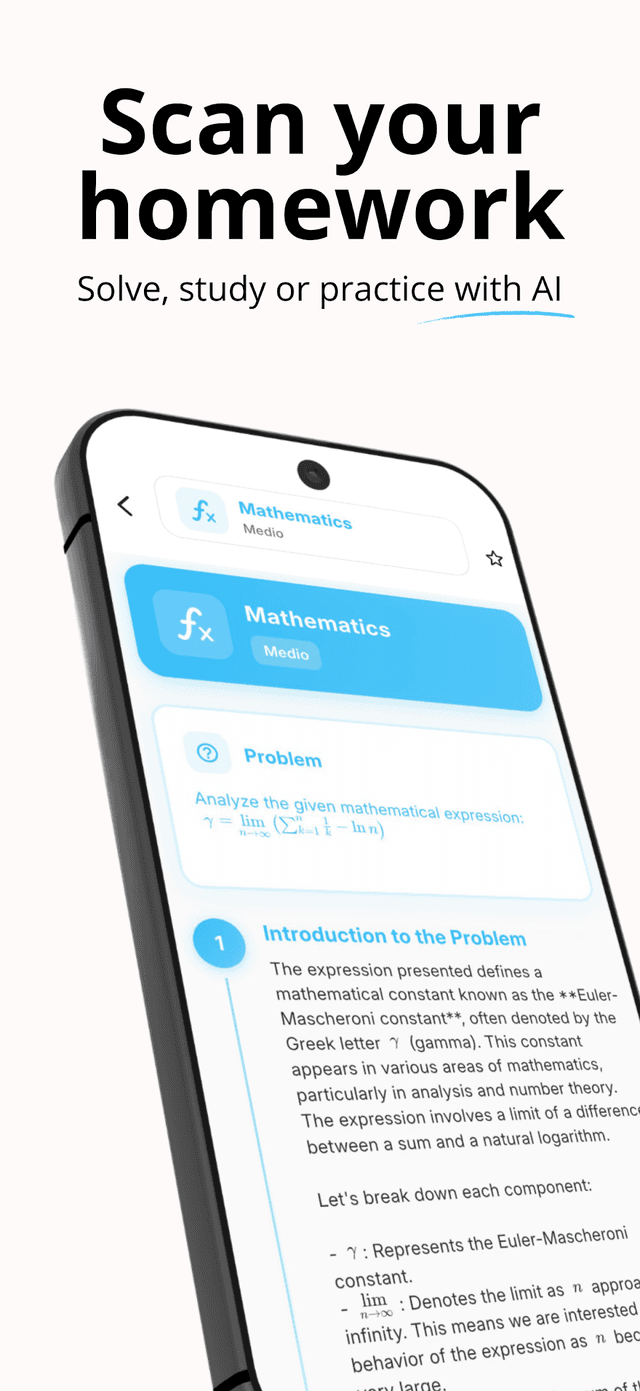
Scan a problem or upload a page, then choose: a step-by-step solution, a clear explanation of the ideas, or custom practice problems built from your material.
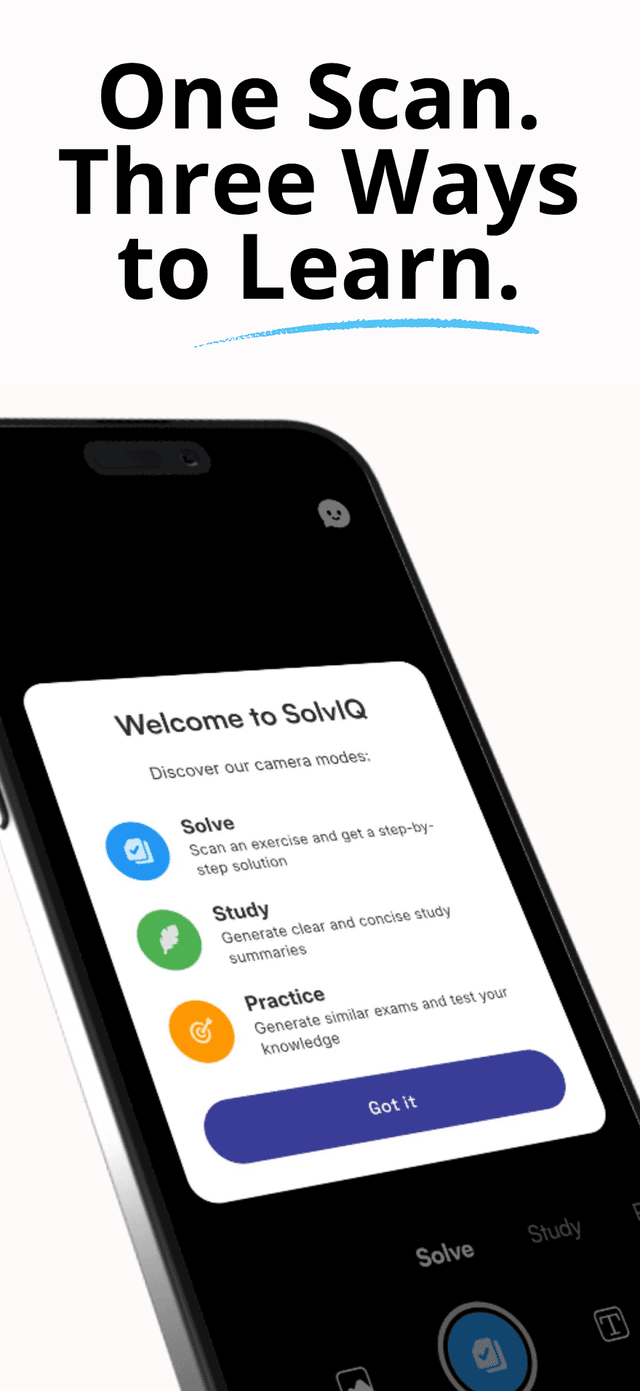
How it works
Scan or upload
Take a photo of a problem, or upload homework, notes, worksheets or textbook pages.
Choose your mode
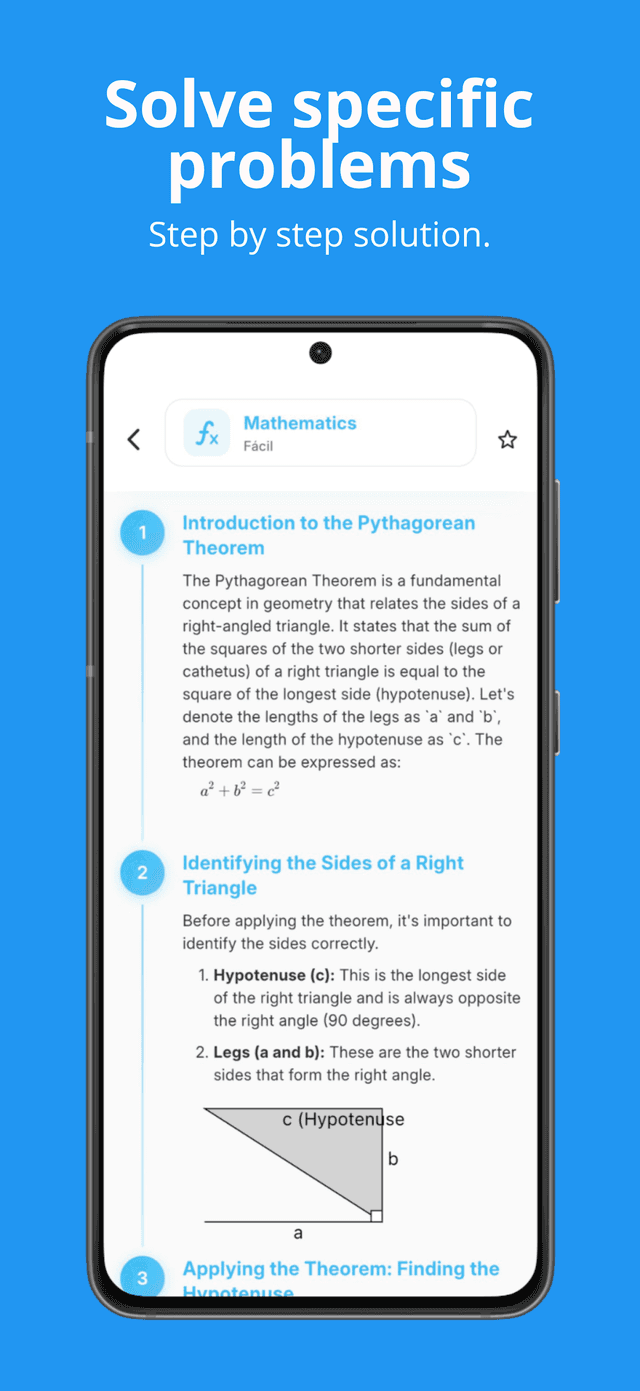
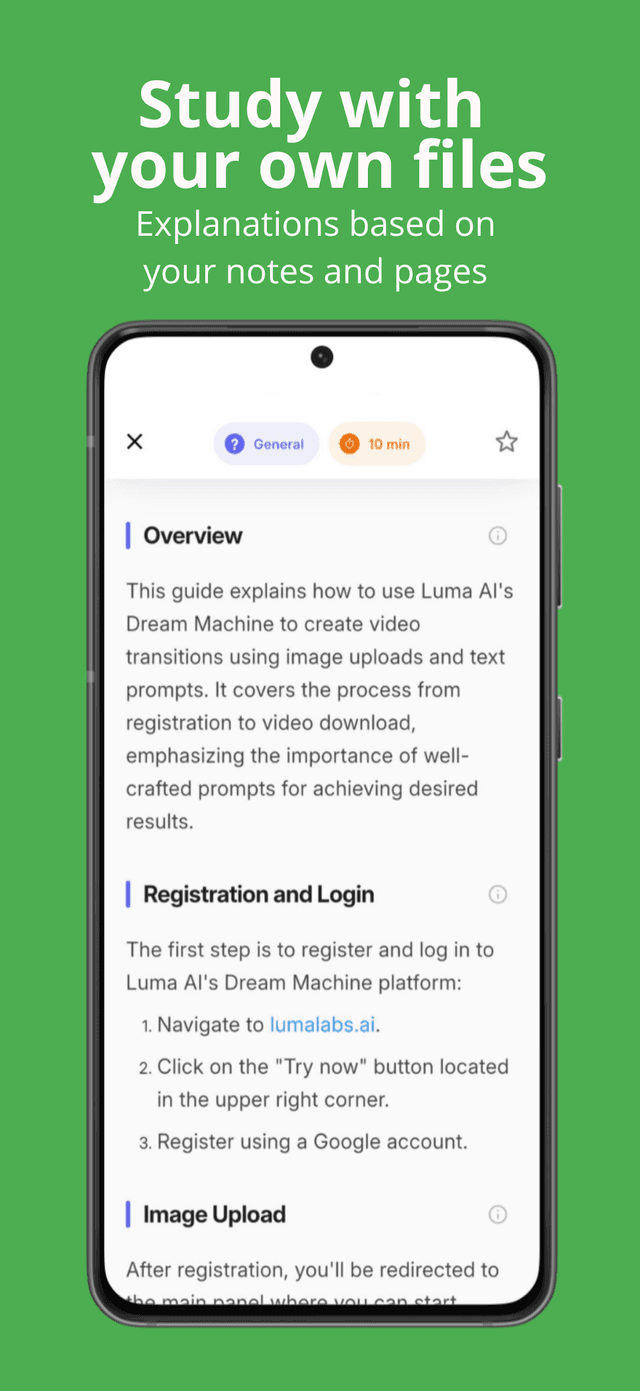
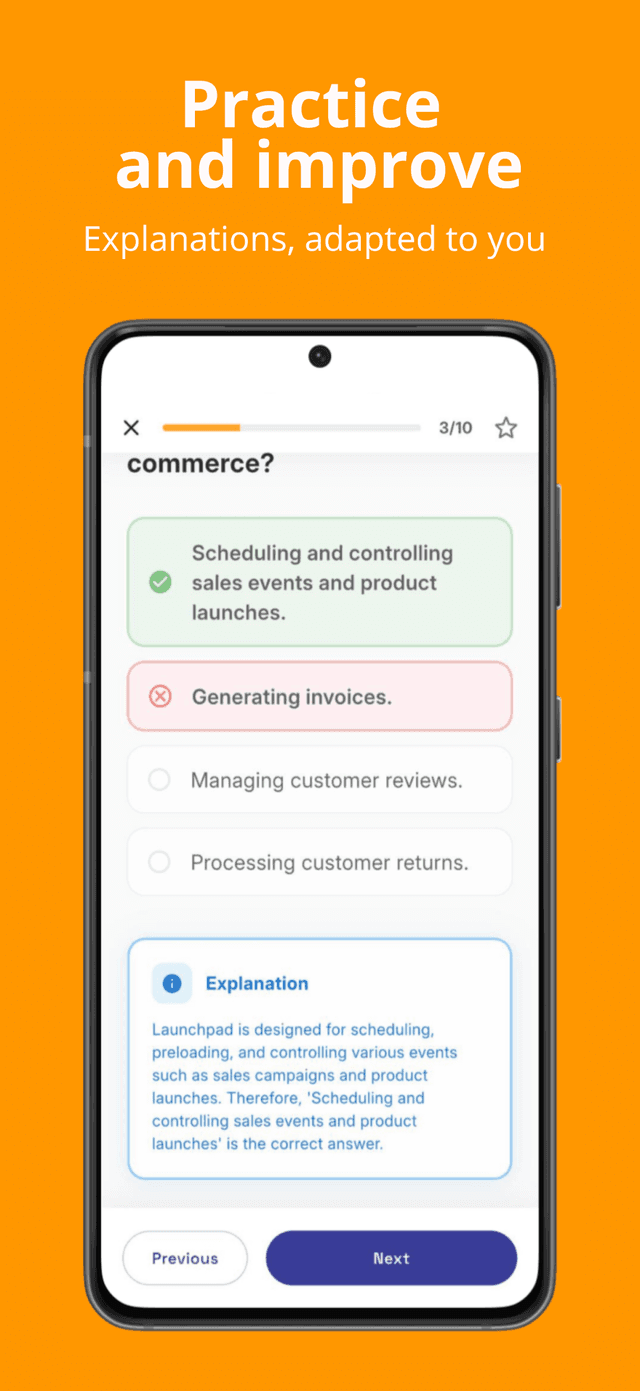
Solve for a step-by-step answer, Study for a clear explanation of the underlying ideas, or Practice to generate similar problems.
Learn, not just copy
Every solution comes with steps you can follow; every explanation ties back to your actual material.
Drill before the exam
Generate exam-style practice papers from what you studied, so the test is a repeat of what you already did.
Guides
Practical answers to what SolvIQ users search for.
How to solve math problems by taking a picture
How photo math solvers work, how to get accurate scans, and how SolvIQ turns a picture into a step-by-step solution.
Read guideStep-by-step math solutions: how to actually learn from them
How to use step-by-step math solutions to learn instead of copy — and how SolvIQ structures every solution into followable steps.
Read guideHow to generate practice problems from your own notes
Turn class notes and worksheets into fresh practice problems and exam-style papers with SolvIQ Practice mode.
Read guideHow to prepare for a math exam in one week
A one-week math exam prep plan — diagnose, drill weak spots, simulate — and how SolvIQ compresses each phase.
Read guideFrequently asked questions
Can SolvIQ solve math problems from a photo?
Yes. Scan a problem with the camera or upload a document, and SolvIQ returns a full step-by-step solution. Handwriting, worksheets and textbook pages are all supported. Learn more
Does SolvIQ show the steps or just the answer?
Every solution is broken into explicit steps. Study mode additionally explains the concepts behind each step so you learn the method, not just the result. Learn more
Can SolvIQ create practice problems for me?
Yes. Practice mode generates similar problems and complete custom practice papers based on the material you scan — your notes, homework or textbook pages. Learn more
What subjects does SolvIQ work with?
SolvIQ handles problems and questions across different subjects, with math as its core strength — homework, revision notes, worksheets and textbook material.
Is SolvIQ useful for exam preparation?
Yes — it covers the full prep loop: solve to diagnose, study to understand, practice to drill with exam-style papers generated from your own material. Learn more